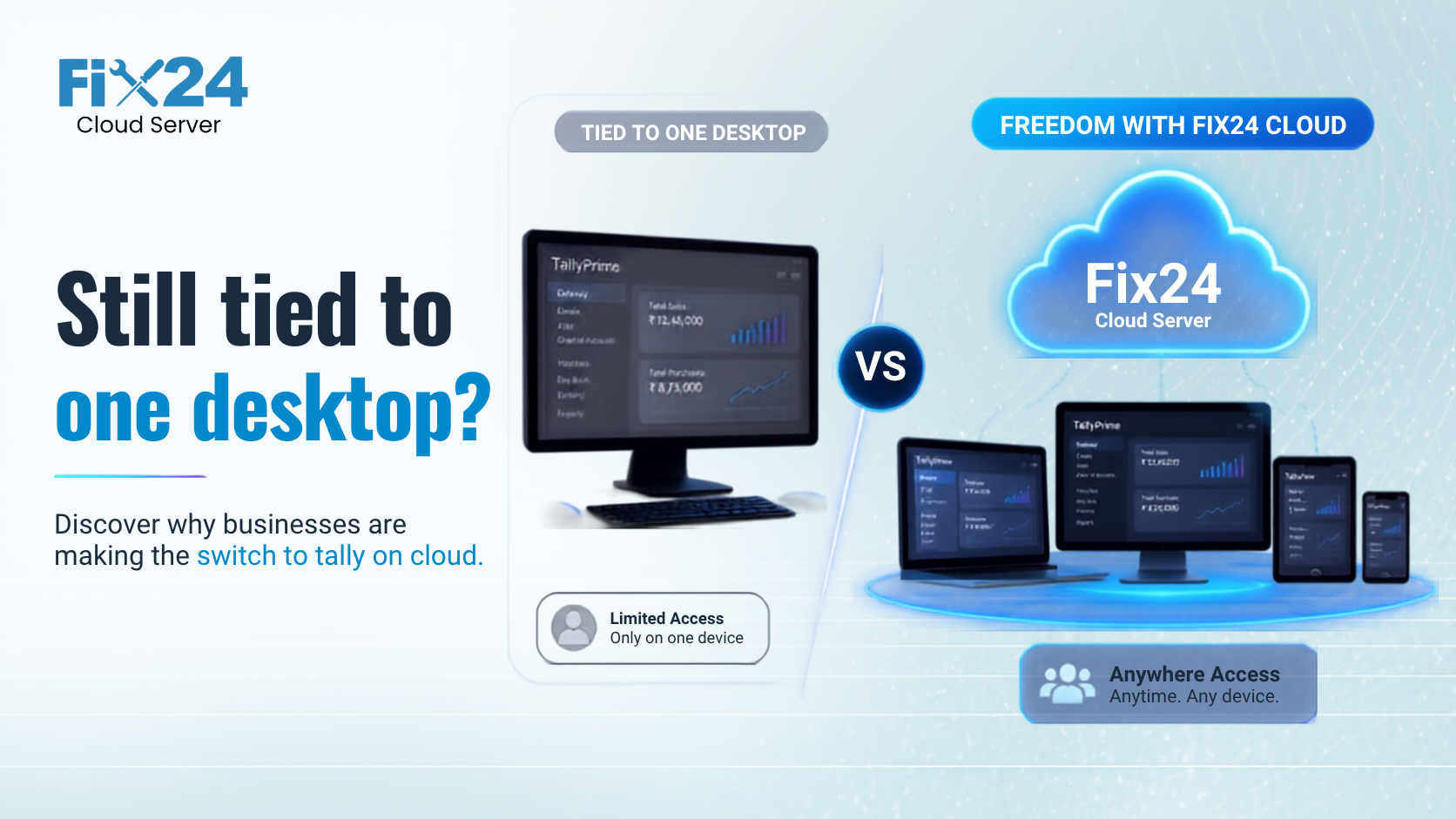
What is Tally on Cloud?
Tally on Cloud means hosting your Tally Prime (or Tally ERP 9) software on a remote cloud server instead of your office computer or local server. You access Tally via a secure Remote Desktop connection from any device — laptop, desktop, tablet, or even your mobile phone.
Think of it this way: instead of Tally being locked inside one computer in your office, it lives on a powerful server in a data centre that you can reach from anywhere in India (or the world) — as long as you have internet.
With cloud hosting providers like Fix24.cloud, the entire setup, maintenance, security, and backup of the server is handled for you. You simply log in and start working.
Why Are Indian Businesses Moving Tally to the Cloud?
The shift is driven by practical business needs that every CA firm, retailer, and SMB owner faces daily:
- Work from Anywhere: Access Tally from home, branch offices, or while travelling. No more being tied to one office PC.
- Multi-User Access: Multiple team members — your accountant, CA, billing staff — can all work on the same Tally data simultaneously from different locations.
- No Hardware Investment: No need to buy and maintain expensive servers. The cloud provider handles all infrastructure.
- Automatic Backups: Your Tally data is backed up daily. Even if your office laptop crashes, your data is safe.
- Better Security: Enterprise-grade firewalls, encryption, and DDoS protection that a local computer simply cannot offer.
- Scalability: Start small, scale up as your business grows. Add more users or storage with a click.
Tally Prime vs Tally ERP 9 on Cloud
Both Tally Prime and Tally ERP 9 work perfectly on the cloud. However, there are key differences to consider:
| Feature | Tally Prime on Cloud | Tally ERP 9 on Cloud |
|---|---|---|
| Performance | Optimized for modern systems, faster rendering | Lightweight, works well on low resources |
| Browser Access | Built-in browser reports via Tally Prime Server | Requires separate configuration |
| Multi-Company | Easy switching between multiple companies | Supported but less intuitive UI |
| Support Status | Actively updated by Tally Solutions | End-of-life — no new features |
| Recommendation | Recommended for new setups | Migrate to Prime when convenient |
If you're still on ERP 9, the cloud migration is the perfect time to upgrade to Tally Prime — and Fix24 helps with the migration at no extra cost.
How Does Tally on Cloud Work? (Step-by-Step)
Setting up Tally on Fix24.cloud is simple and takes under 30 minutes:
- Choose a Plan: Select a cloud plan based on your team size and Tally usage. Fix24's FX04 plan (2 vCPU, 4 GB RAM, 50 GB storage) starts at just ₹2,500/month and works perfectly for small teams.
- Setup by Fix24: Our team provisions your cloud server, installs Windows, configures Tally, and sets up user accounts — all within 24 hours.
- Connect from Any Device: You receive login credentials. Open the Remote Desktop app on your laptop, phone, or tablet, enter the credentials, and you're in — Tally is ready to use.
- Migrate Your Data: We help you migrate your existing Tally company files to the cloud. Nothing is lost.
- Start Working: Use Tally exactly as you do now — creating vouchers, generating reports, filing GST returns. The experience is identical, but now accessible from anywhere.
How Much Does Tally on Cloud Cost in India?
Cloud hosting costs depend on the resources you need. Here's a quick reference based on Fix24.cloud's plans:
| Plan | Best For | Monthly Price | Yearly Price |
|---|---|---|---|
| FX04 (2 vCPU, 4 GB RAM) | Individual users, small firms | ₹2,500/mo | ₹24,000/yr (save 20%) |
| FX08 (2 vCPU, 8 GB RAM) | Small teams (2-4 users) | ₹5,000/mo | ₹48,000/yr (save 20%) |
| FX16 (4 vCPU, 16 GB RAM) | Medium businesses (5-10 users) | ₹10,000/mo | ₹96,000/yr (save 20%) |
| FX32 / FX64 | Large enterprises | Custom pricing — contact us | |
All plans include free SSL, 7-day automated backups, unlimited bandwidth, real-time monitoring, and a 30-day money-back guarantee.
Compare this to maintaining your own server: electricity bills, IT staff salary, hardware upgrades, and the risk of data loss. Cloud hosting typically saves businesses 40-60% in total IT costs.
Is Tally Data Safe on the Cloud?
This is the most common concern — and the answer is a resounding yes. In fact, your data is significantly safer on the cloud than on a local computer. Here's why:
- Enterprise Firewalls: Fix24 uses enterprise-grade firewalls that block unauthorised access, brute-force attacks, and suspicious traffic.
- Data Encryption: Your data is encrypted both in transit (while travelling over the internet) and at rest (while stored on the server).
- Daily Automated Backups: 7-day retention with fast recovery. Even in a worst-case scenario, your data is restorable.
- DDoS Protection: Protects your server from denial-of-service attacks that could take down a local setup.
- Data Stored in India: Fix24 hosts all data in Indian data centres, ensuring compliance with local data residency requirements.
- Regular Patching: Security updates are applied automatically — unlike a local PC where patches are often ignored for months.
Who Should Use Tally on Cloud?
Tally on Cloud is ideal for:
- CA and Accounting Firms: Access client data from office, home, or client sites. Let multiple CAs work simultaneously.
- Retail & Trading Businesses: Run billing and inventory from multiple branches on the same Tally data.
- Manufacturing SMBs: Track production, stock, and costing from the factory floor or head office.
- Businesses with Remote Teams: Enable work-from-home for your accounts team without compromising data security.
- Multi-Branch Operations: Centralize accounting across branches in different cities.
Get Started with Fix24.cloud
Fix24.cloud is North-East India's first cloud hosting provider, built specifically for Indian businesses running Tally, Busy, SAP, and other Windows applications.
Our team handles everything — server setup, Tally installation, data migration, security configuration, and ongoing support — so you can focus on running your business.
Ready to try Tally on the cloud?
- 📞 Call us: +91 75759 50003
- 📧 Email: info@fix24.in
- 🌐 Book a free demo at fix24.cloud
Frequently Asked Questions
Ready to get started?
Try Fix24.cloud risk-free with our 30-day money-back guarantee. No long-term contracts, no hidden fees.