Two Ways to Run Tally Prime
Every business running Tally Prime eventually asks the same question: should we keep it installed on a single desktop, or move it to the cloud? Both approaches run the exact same Tally Prime software — the difference is entirely in where it runs and who can reach it.
On desktop, Tally lives on one physical computer in your office. On the cloud, Tally runs on a secure remote server that you and your team access from any laptop, tablet, or phone via Remote Desktop — with the exact same look, feel, and data.
Still Tied to One Desktop? The Real Cost of Limited Access
A desktop-only Tally setup means your accounting data is chained to a single machine. If that computer breaks down, gets stolen, or is simply not accessible when you're travelling, your books stop moving.
- Limited Access: Only the person sitting at that one PC can work on Tally at a given time.
- No Remote Work: Your accountant or CA cannot log in from home or a client site.
- Single Point of Failure: A crashed hard drive without backup can mean permanently lost financial records.
- Manual Data Sharing: Sending company data via pen drive or email between branches is slow and error-prone.
This is exactly the "tied to one desktop" problem that pushes growing businesses toward the cloud.
Freedom with Fix24 Cloud: Anywhere, Any Device
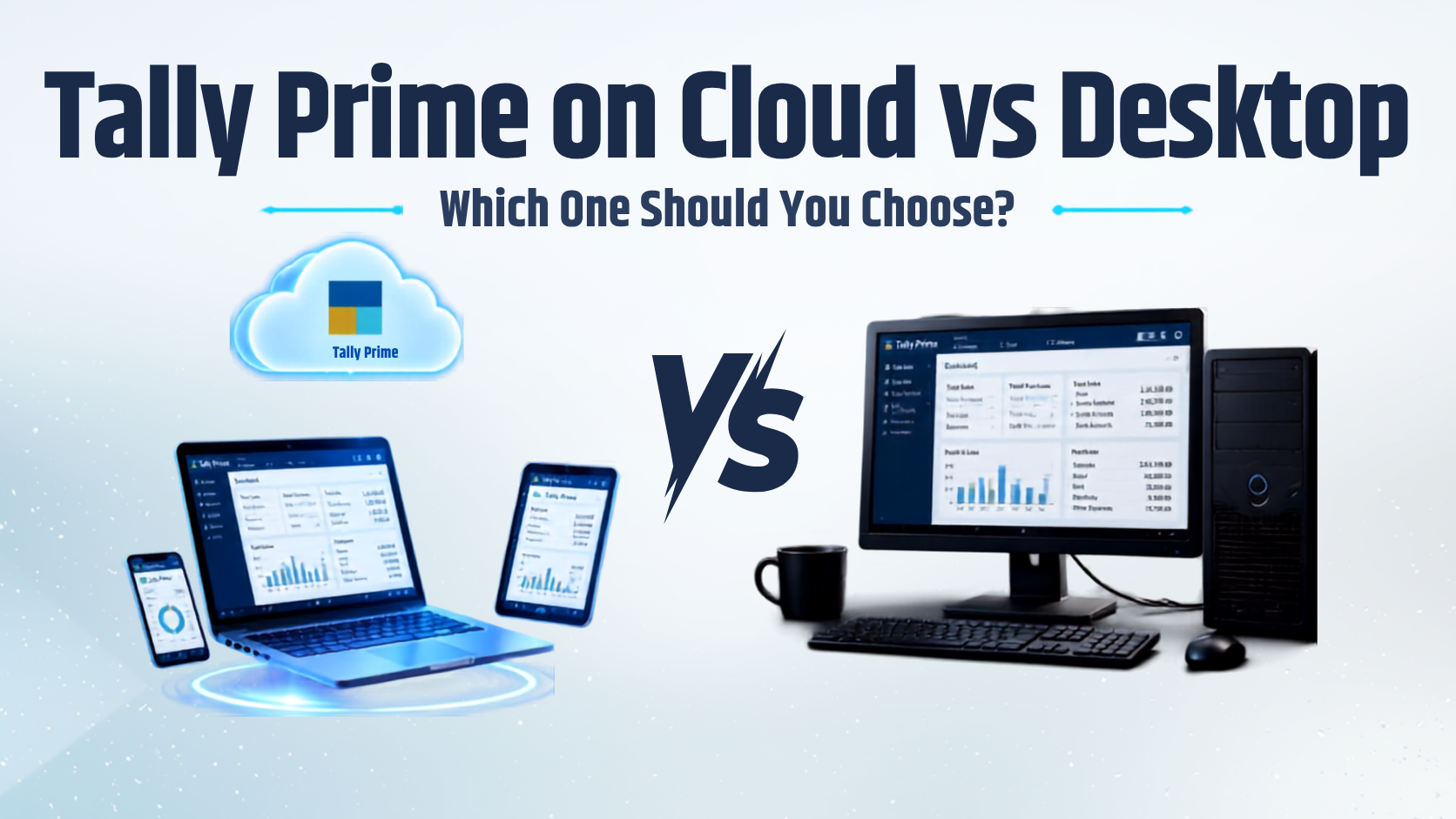
With Tally Prime hosted on Fix24.cloud, your entire team — laptop, desktop, tablet, or phone — gets anywhere access, anytime. Multiple users can log in and work on the same live company data at once, from different locations, without conflicts or manual syncing.
- Anywhere Access: Log in from home, a client's office, or while travelling — all you need is an internet connection.
- True Multi-User: Your CA, billing staff, and management can all work simultaneously on the same data.
- Automatic Backups: Daily backups mean your data survives even if a device is lost or damaged.
- No Hardware Worries: Fix24 manages the server, security, and updates — you just log in and work.
Tally Prime on Cloud vs Desktop — Head-to-Head
| Feature | Desktop Tally | Tally Prime on Fix24 Cloud |
|---|---|---|
| Access | Single device only | Any device, anywhere |
| Multi-user support | Complex LAN setup needed | Built-in, works out of the box |
| Backup | Manual, often skipped | Automated daily backups |
| Security | Depends on local antivirus | Enterprise firewall + encryption |
| Hardware cost | Upfront PC/server purchase | ₹0 — included in the plan |
| Remote work | Not possible | Fully supported |
| Scalability | Requires new hardware | Upgrade plan in minutes |
Which Should You Choose?
If you're a single-person operation working from one fixed location with no need for remote access, a desktop install can still work. But for almost every growing business — CA firms, retailers, multi-branch operations, or teams with remote staff — Tally Prime on the cloud is the clear winner.
It removes the single point of failure, enables real multi-user collaboration, and typically costs less than maintaining a local server once you factor in hardware, backups, and IT support.
Ready to move Tally Prime to the cloud?
- 📞 Call us: +91 75759 50003
- 📧 Email: info@fix24.in
- 🌐 Book a free demo at fix24.cloud
Frequently Asked Questions
Ready to get started?
Try Fix24.cloud risk-free with our 30-day money-back guarantee. No long-term contracts, no hidden fees.